The story at a glance
It can see your room. That doesn’t mean it should talk about everything.
Pip is a small AR companion for iPhone. You place it in your room, show it things, and it reacts in character using Gemini. I built it solo for my Extended Reality course at Pratt.
Character, interaction and AI response design, plus the Unity build · Working prototype, in user testing
Everything. I designed the character and interactions, built the iPhone prototype in Unity with ARKit, set up the Gemini backend and wrote the rules that shape what Pip says.
- 4
- response rules I wrote for Gemini
- 2 sec
- steady hold before Pip looks
- 1
- camera frame sent per look
How we got here
It started with a game companion.
In Genshin Impact, Paimon floats next to you and comments on everything. Exploring felt less lonely with her around. I wanted to try bringing that feeling into a real room. Paimon inspired the idea, but Pip is my own creature, and it never pretends to be human. Once I connected it to Gemini, the real question showed up. How should an AI act when it can see your world, and how do you know when to trust it?
- Make it stay putPlacement and anchoring first. Pip showed up sideways on my phone until I fixed the camera pose.
- Make moods readableEyes alone didn’t work. It took brows, mouth and leaves changing together.
- Give it a voiceLines I wrote, then Gemini, then rules so Pip stays Pip.
- Get out of the wayBig panels covered the room. Now replies float near Pip.
Four moods, after three tries

After professor feedback · 01
React first. Explain when asked.
Halfway through, my professor asked me something I hadn’t figured out yet. Pip is cute, sure. But why would someone keep using it?
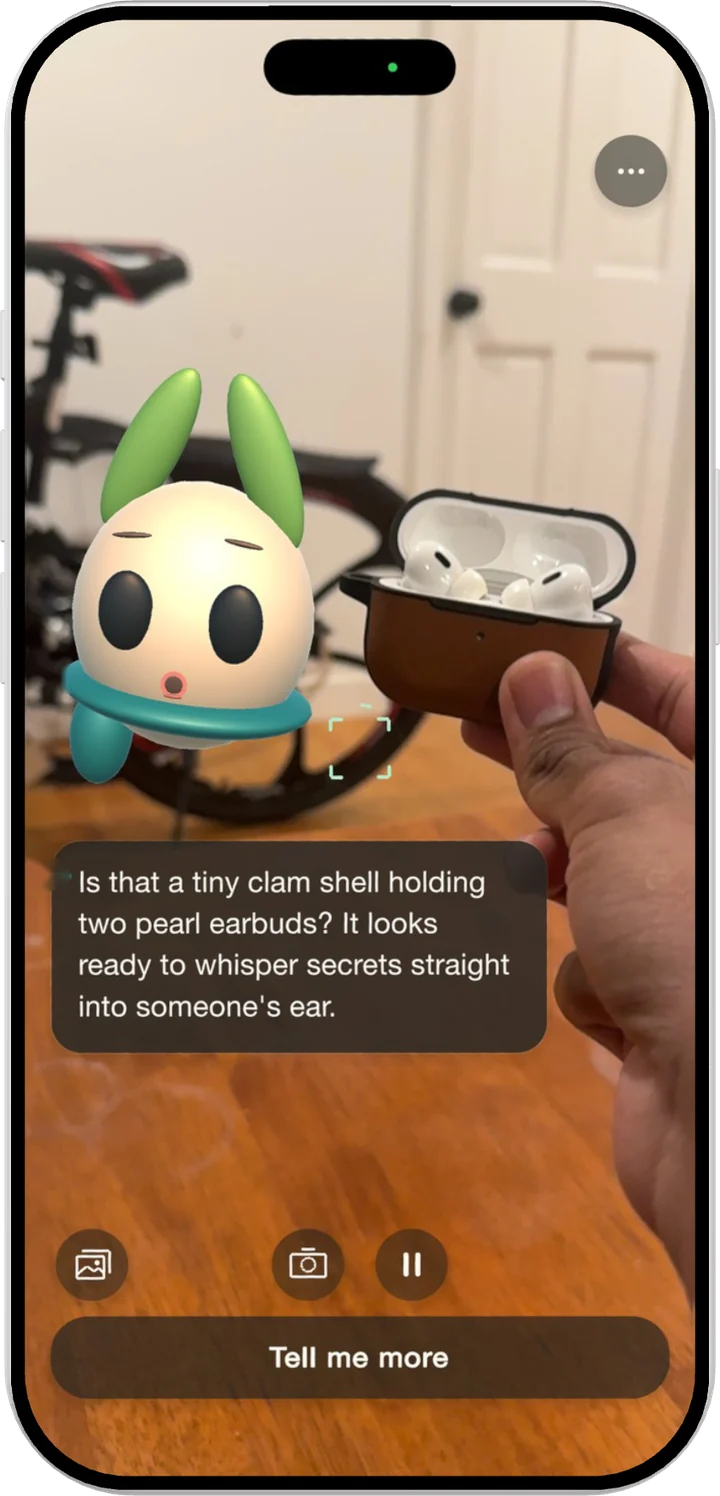
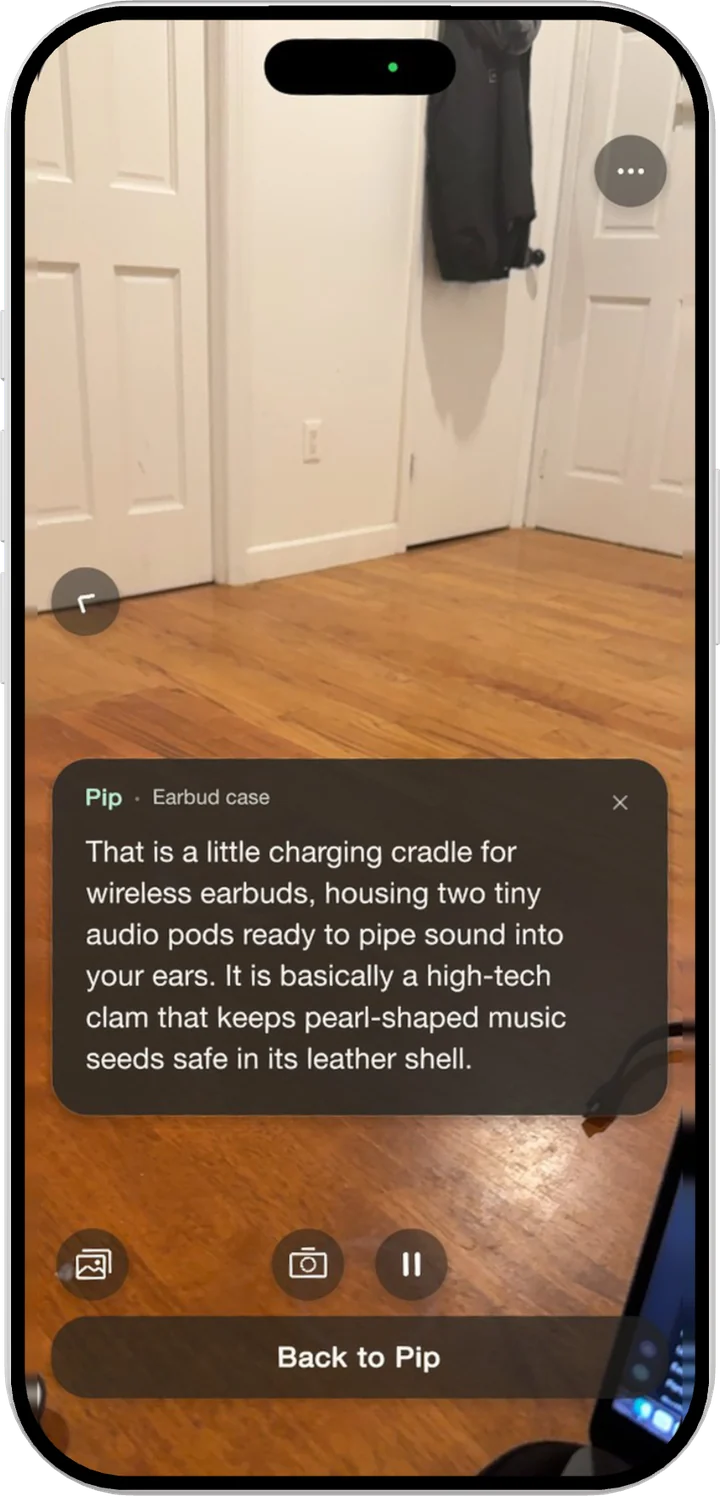
I didn’t want to turn Pip into a lecture. Every look gets one short, playful line. If you’re curious, Tell me more explains the same thing using the same photo. Picture Pip floating next to you on AR glasses. You wouldn’t want facts popping up all the time. So it’s a button you choose to tap.
What Pip said
After Tell me more
The AI design · 02
Write the rules before the replies.
Out of the box, Gemini sounded like a chatbot. Long answers. Guesses about things it couldn’t see. Questions just to keep the chat going.
Pip needed to stay Pip even when every line was generated. So I wrote the response rules the backend sends with every look. These four did most of the work.
- Stay in Pip’s voiceShort and a little sassy. People talk to a character. They don’t talk to a search box.
- Talk about what’s in the imageNothing it can’t see. If you hold up a mug, you want to hear about the mug.
- Admit it when you’re not sure“That looks like” beats a confident guess. One wrong answer and people stop believing the right ones.
- Explain only on Tell me moreSame object, a plain explanation, one playful analogy. No new topics.
Trust and cost · 03
Only look when someone is showing you something.
Sending every camera frame to Gemini would be slow and expensive. Pip would never stop talking. And people should know when their camera is being looked at.
Pip checks on the phone first. When the view is steady and something new is in frame for about two seconds, one smaller frame goes to the backend. You can also shake the phone to make it look. The first screen says plainly that looking sends a frame to Google Gemini, and you can pause it anytime.
What looking means
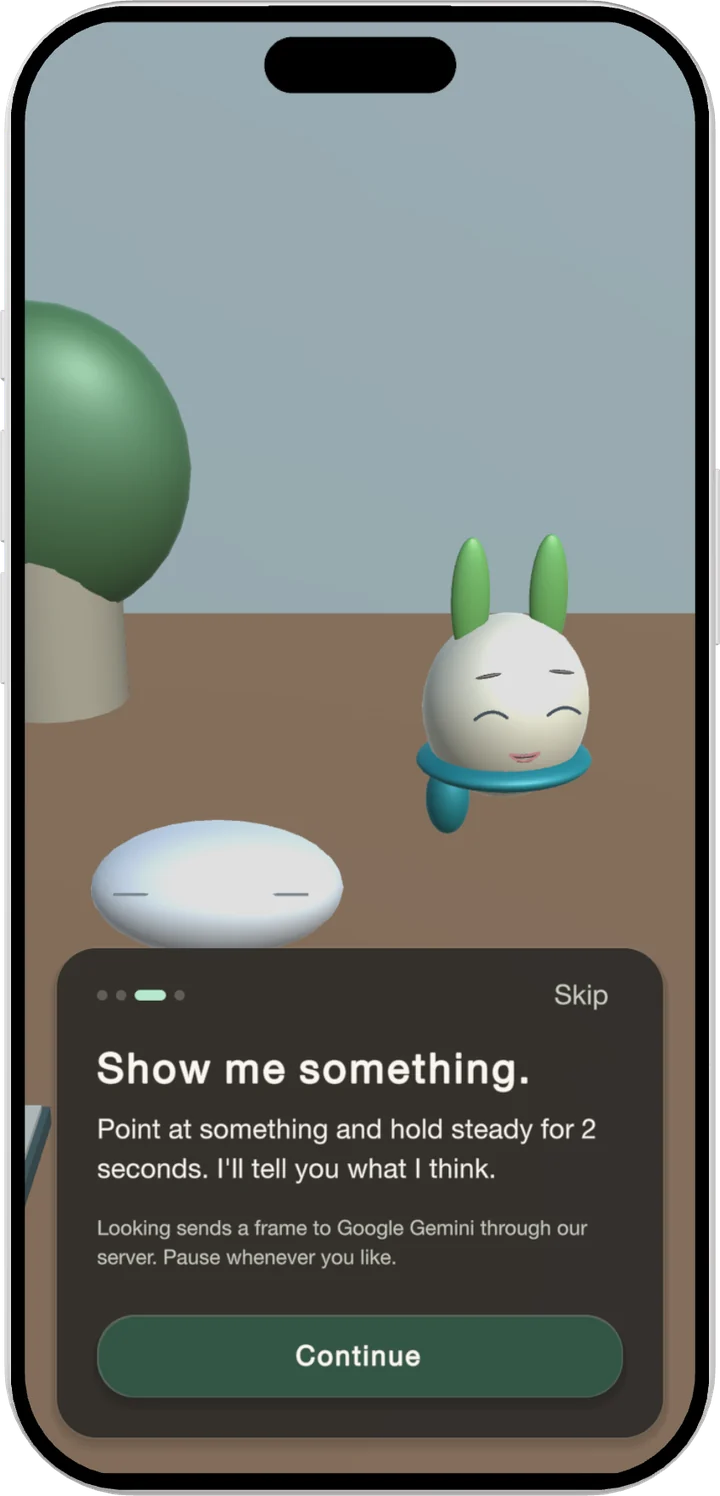
Dots while Pip looks
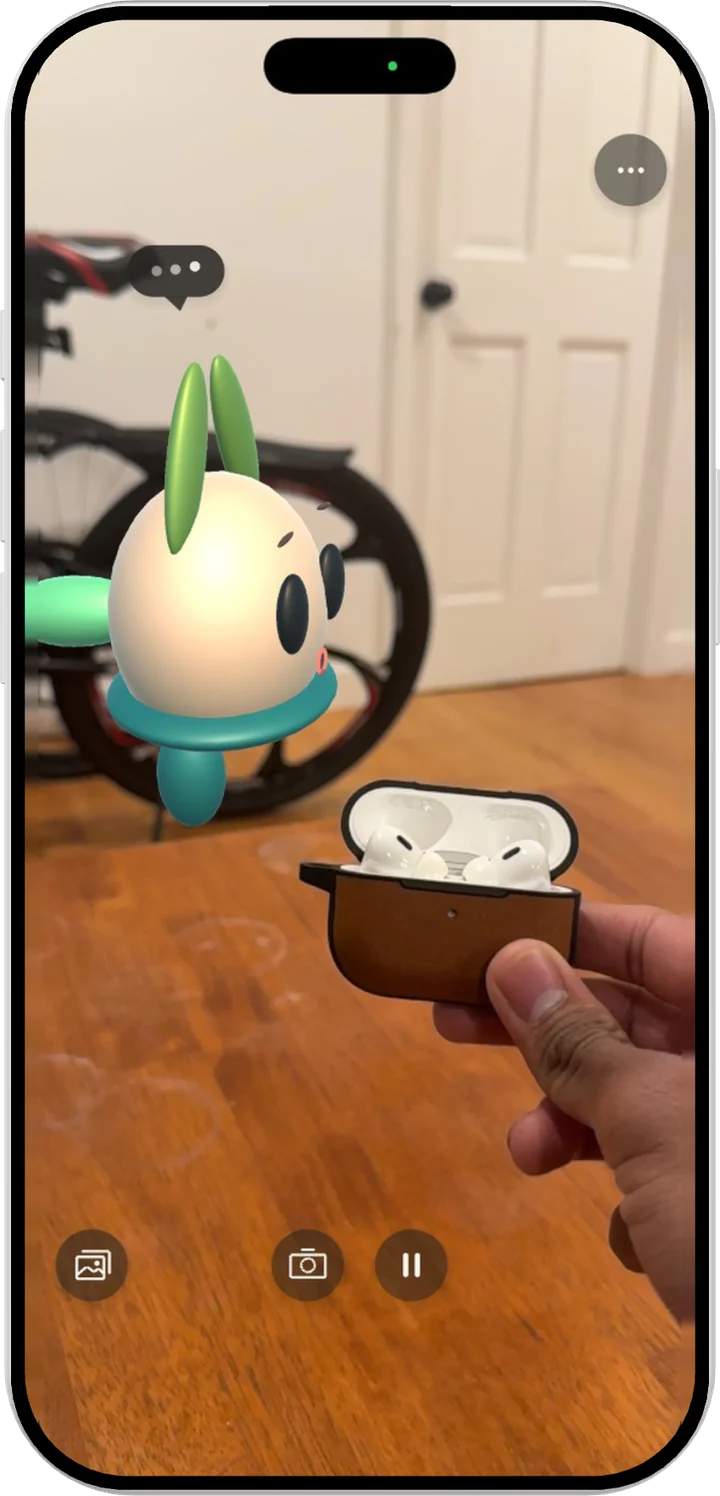
The actual work
Getting out of Pip’s way
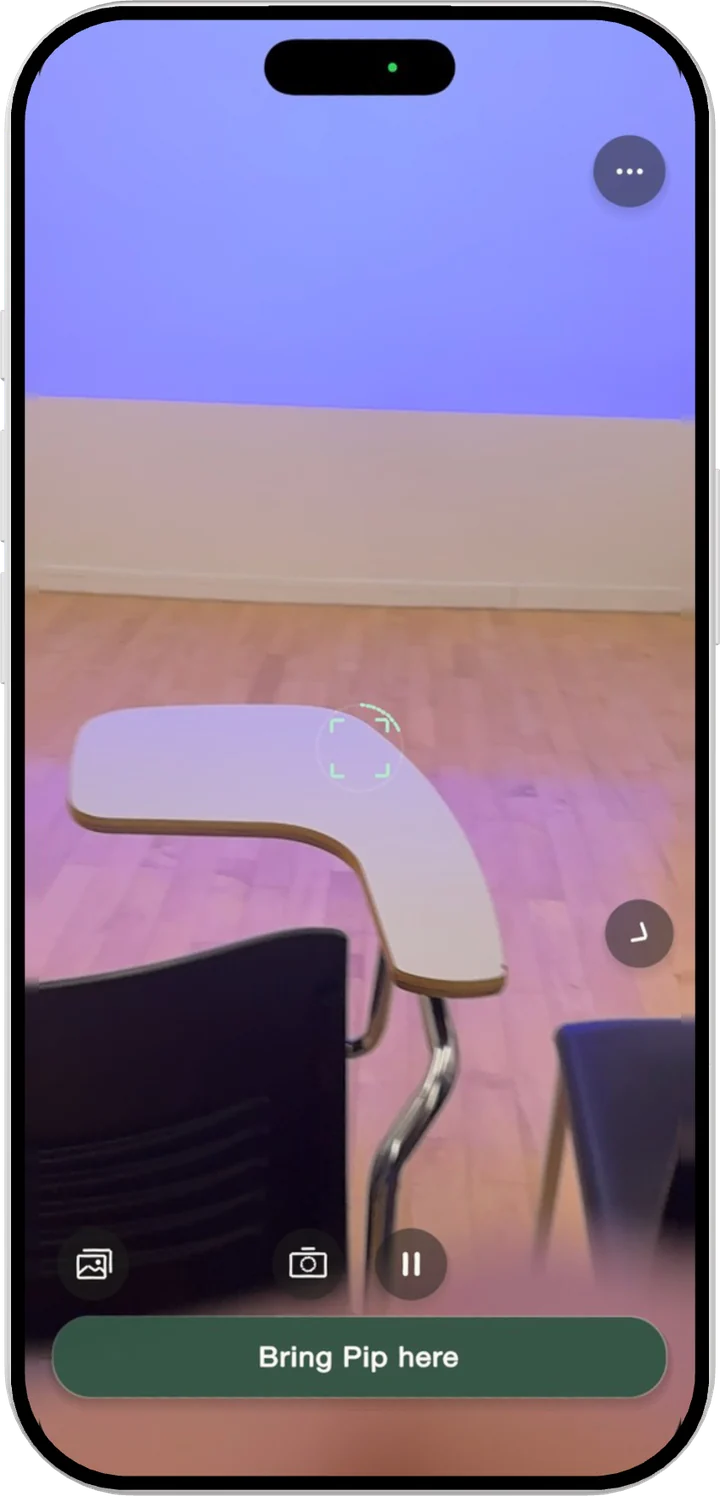
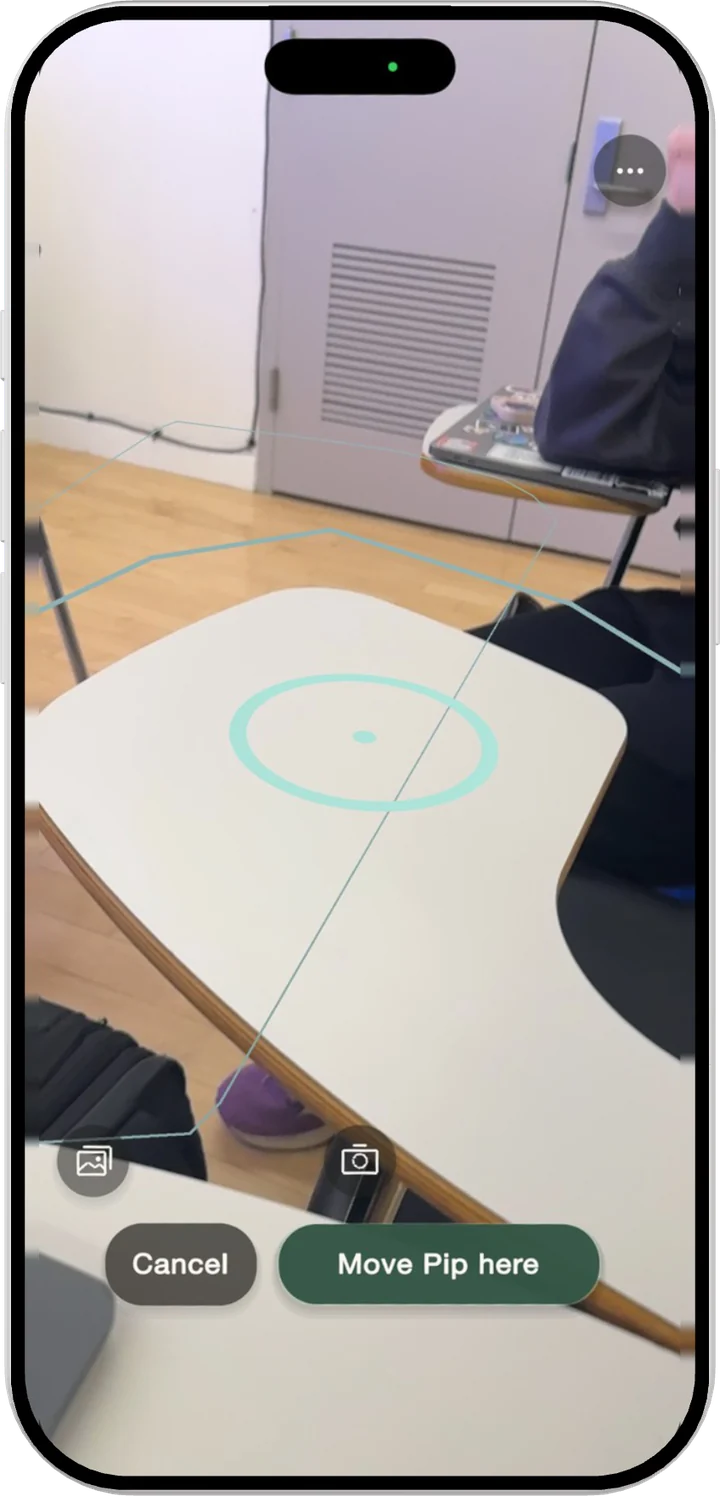
Trying Pip in real rooms showed me the UI was covering the room. Replies now float near Pip, and if it drifts off screen you can bring it back. All from my iPhone.
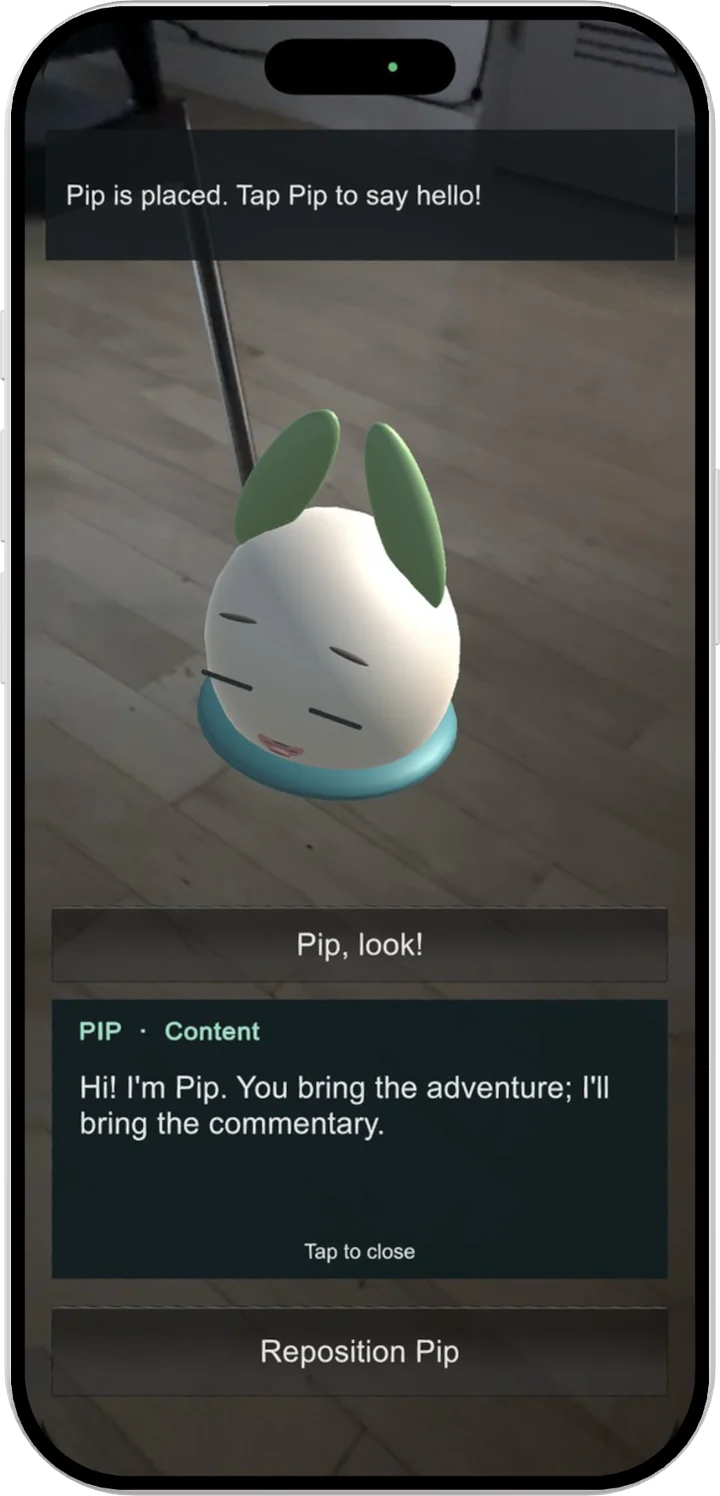
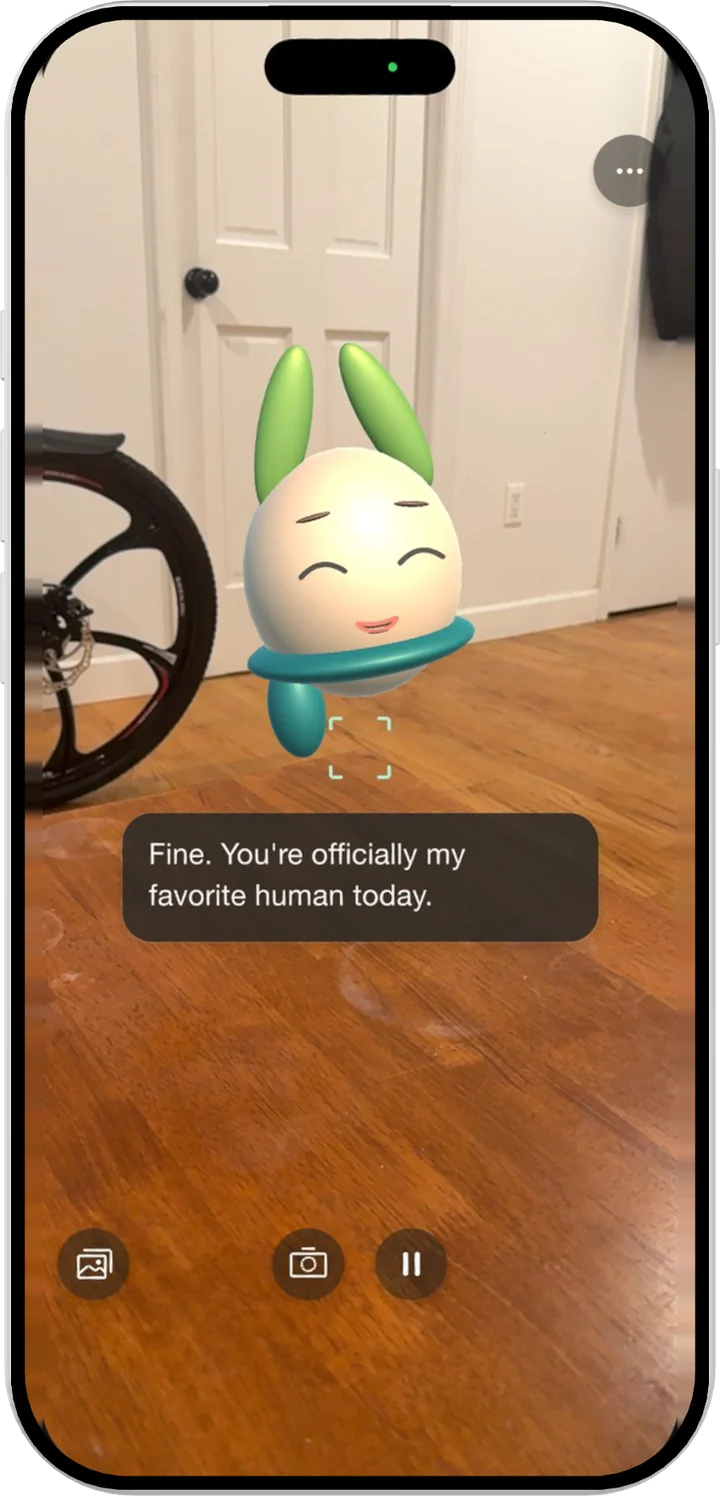
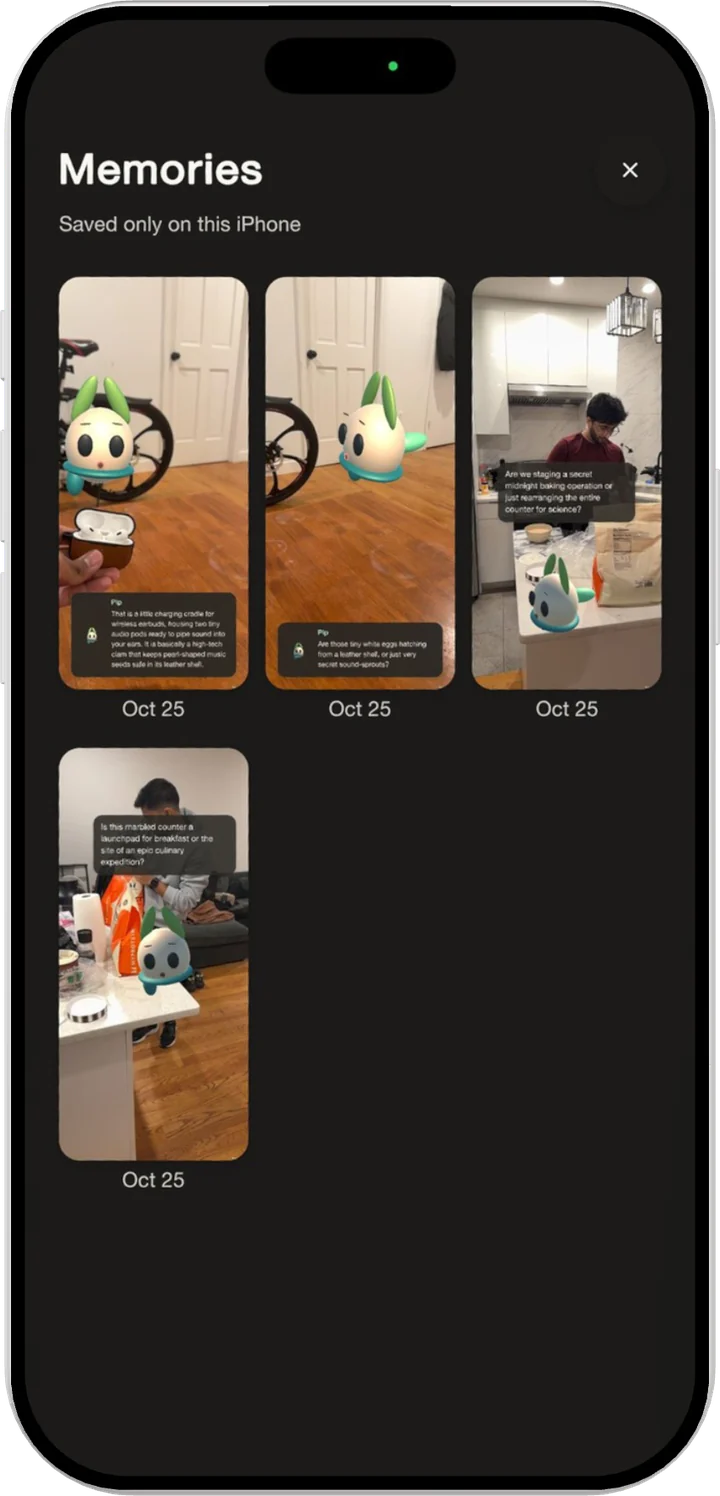
Memories
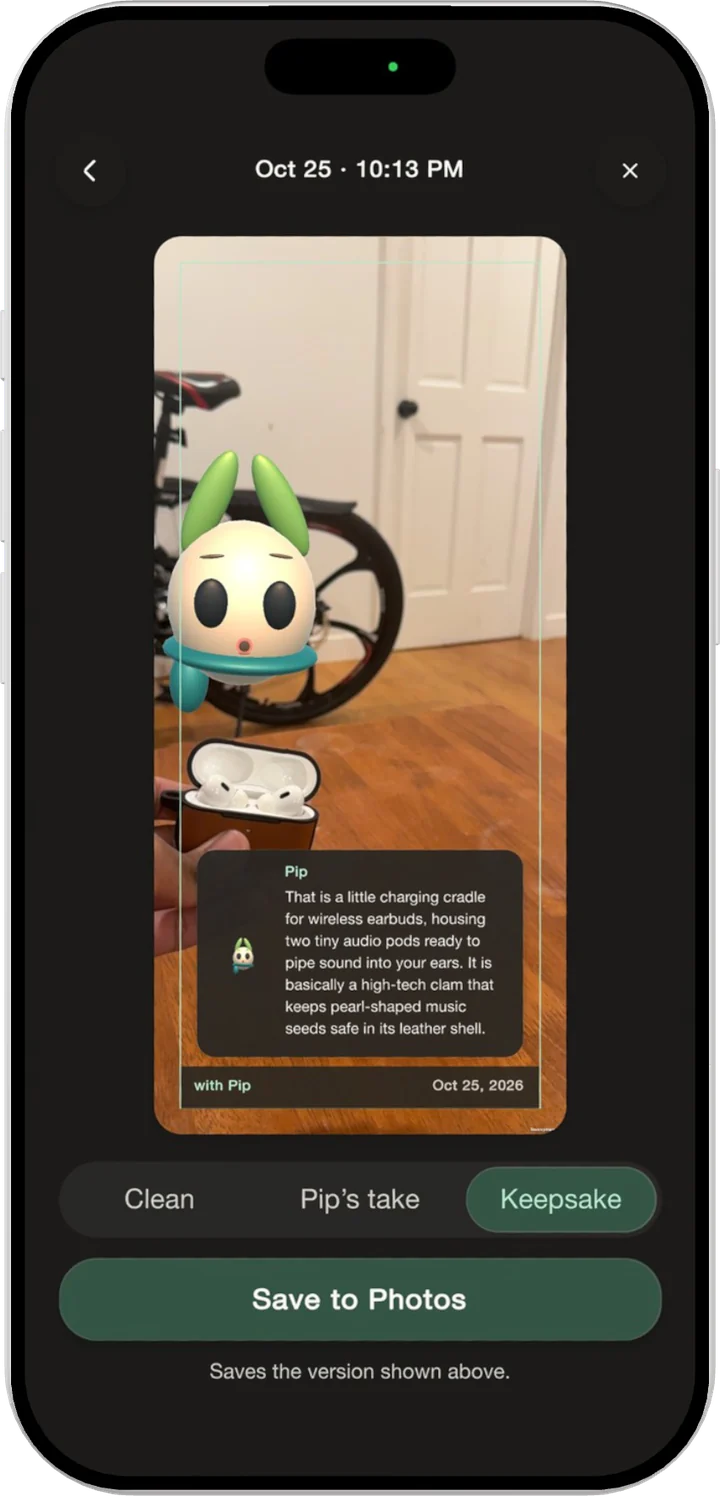
Something to keep. Tap the camera to save the moment with Pip and its line. Memories stay in the app until you save them to Photos.
Where the work stands
In user testing. Findings coming soon. Pip runs on my iPhone, and I’m testing it informally with roommates and friends. That’s not a study, so I’m not claiming results yet.
Looking back
What I’m testing for
Does Pip feel like a real character, or a set of animations? Does Tell me more actually help? Do people trust it more when it admits it isn’t sure? And my professor’s question. Do people come back once the novelty wears off? I’ll add what I find here.
Have a problem worth exploring?
Let's talk